Ninja Throwing Knife1.1.0
Publisher Description
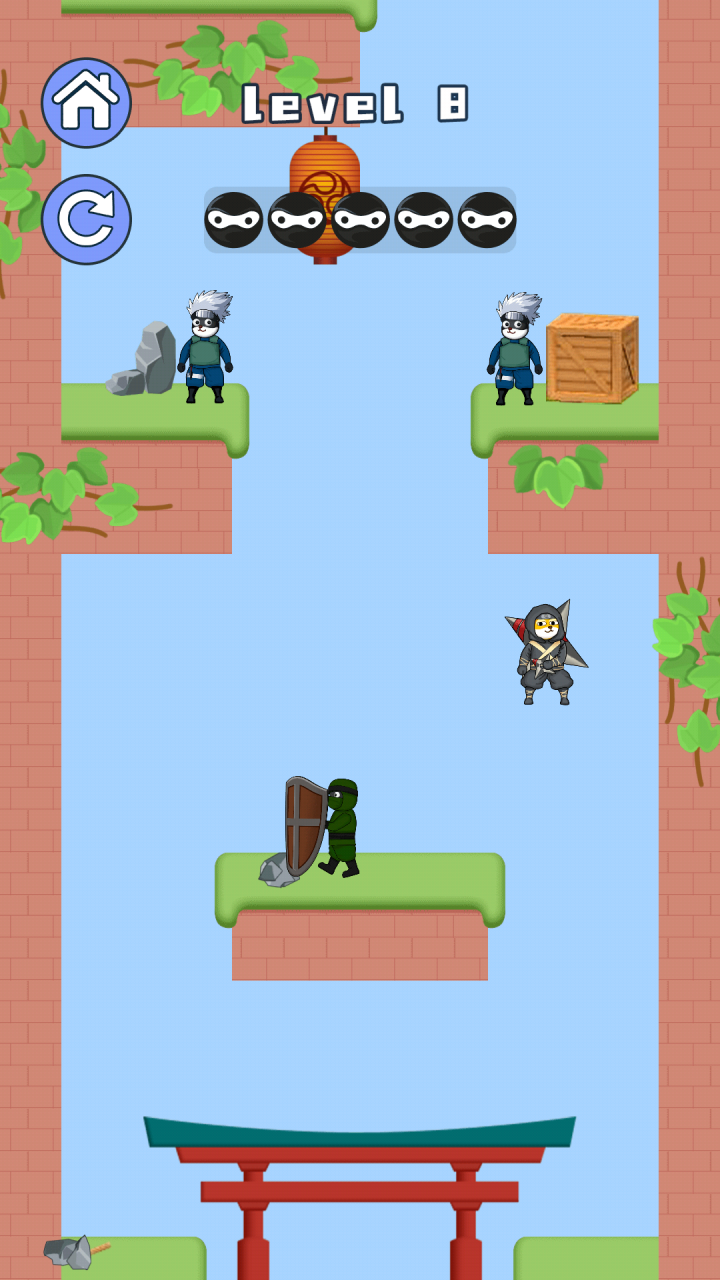

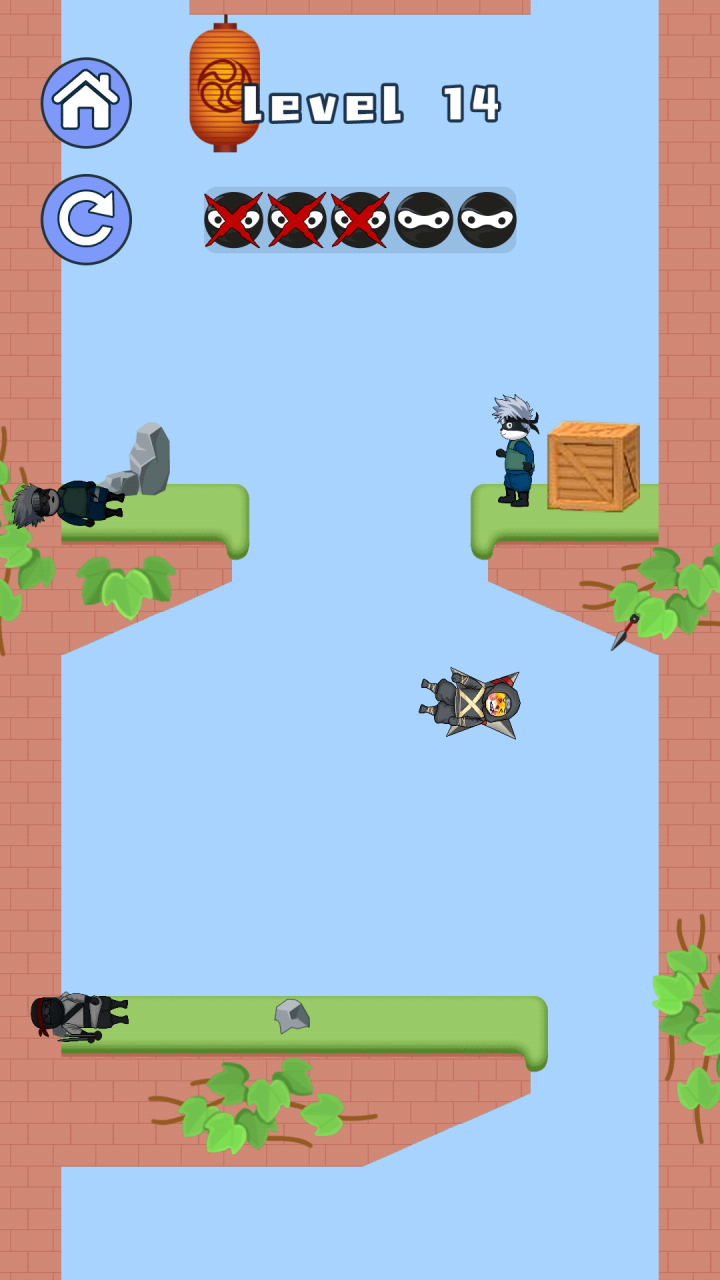
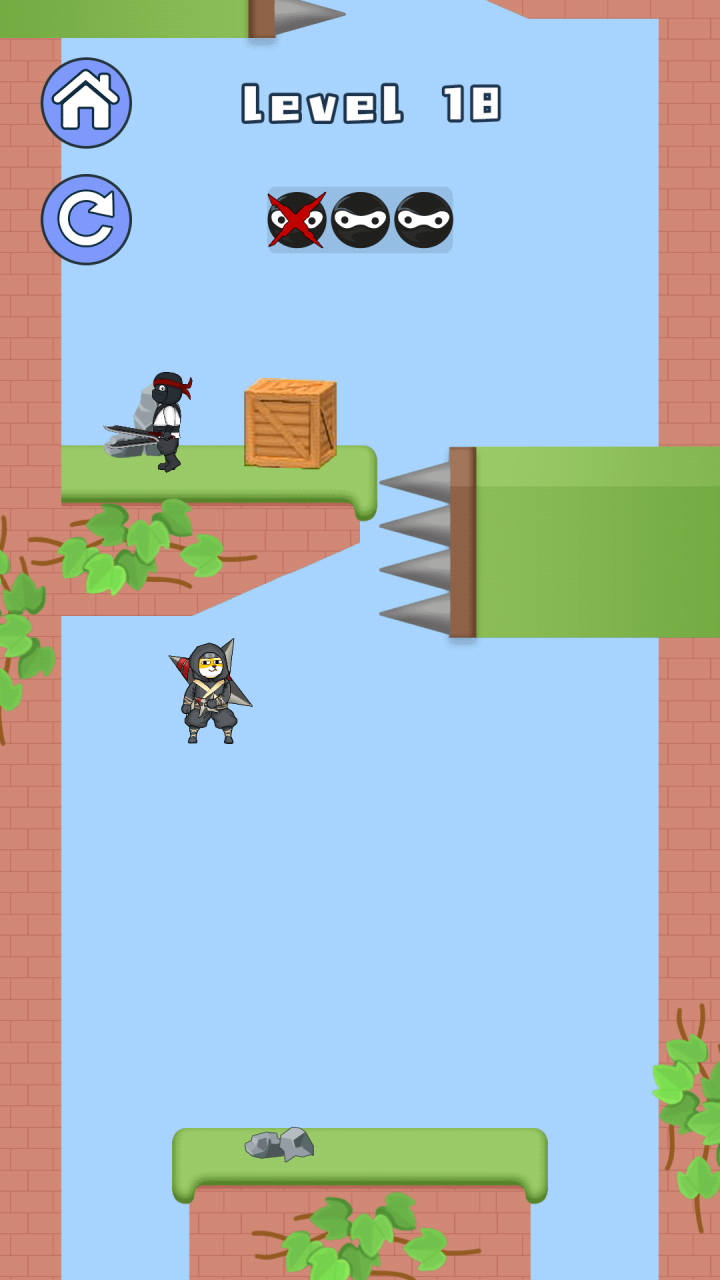
Your ninja training is over, it's time to become a real ninja! Pick up your katana, pick up your shuriken, and step into the world of ninja dogs!
Dodge attacks, teleport, avoid various obstacles and destroy enemies and main bosses in the game!
At each level, other ninjas will be waiting for you. Your task is to find them and kill them like a real killer. You will control the dagger - Kunai. With the help of weapons, you can teleport to the side of the enemy, close the distance, and dodge the attack.
You have to go through explosive barrels, different types of fighters - ninjas, dangerous bosses and more. Learn to control your weapons, hit your opponents, teleport a distance and dodge attacks. Only by learning all the skills of a stealth assassin can one become a real kunai dagger master!
The path of a true warrior, respecting its creed. Teleport behind enemies and kill the boss. Learn how to use the weapon - Kunai and become the best ninja in the world of assassins!
About Ninja Throwing Knife
The company that develops Ninja Throwing Knife is 深圳市优智信息技术有限公司. The latest version released by its developer is 1.1.0.
To install Ninja Throwing Knife on your Huawei device, just click the green Continue To App button above to start the installation process. The app is listed on our website since 2023-04-03 and was downloaded 6 times. We have already checked if the download link is safe, however for your own protection we recommend that you scan the downloaded app with your antivirus. Your antivirus may detect the Ninja Throwing Knife as malware as malware if the download link to C104748929 is broken.
How to install Ninja Throwing Knife on your Huawei device:
- Click on the Continue To App button on our website. This will redirect you to Huawei Store.
- Once the Ninja Throwing Knife is shown in the Huawei Store listing of your Huawei device, you can start its download and installation. Tap on the Install button located below the search bar and to the right of the app icon.
- A pop-up window with the permissions required by Ninja Throwing Knife will be shown. Click on Accept to continue the process.
- Ninja Throwing Knife will be downloaded onto your device, displaying a progress. Once the download completes, the installation will start and you'll get a notification after the installation is finished.
